
Uttarakhand JSC JD Mains 2021 Practical: Basic Knowledge of Computer Operation PDF
- Year 2021
- Conducted By UKPSC
- Questions 5
- Maximum Marks 100
- Duration 1 Hours
- Languages English
Exam Details
| Detail | Information |
|---|---|
| Examination | Uttarakhand Judicial Service Civil Judge (JD) Mains Examination |
| Year | 2021 |
| Conducting Body | UKPSC |
| Paper | Practical Examination on Basic Knowledge of Computer Operation |
| Subject | Basic Knowledge of Computer Operation |
| Duration | 1 Hours |
| Maximum Marks | 100 |
| Number of Questions | 5 |
| Question Type | Descriptive / Subjective |
This entry covers the Uttarakhand Judicial Service Civil Judge (JD) Mains 2021 Practical examination on Basic Knowledge of Computer Operation. The paper comprises five practical questions (Q1–Q5) focusing on Windows/DOS basics, MS Office usage (Word, Excel, PowerPoint, Access), and common computer operations. Total marks: 100, duration: 1 hour. Page 1 includes header information and practical tasks requiring step-by-step execution and snapshots; Page 2 contains Q4 and Q5 tasks related to MS-Office applications. Understanding these tasks helps aspirants prepare for computer operation components in the Uttarakhand judiciary recruitment process. This previous year Uttarakhand Judicial Service Civil Judge (Junior Division) Exam-2021 question paper (2022) is useful for Judicial aspirants preparing for Uttarakhand government recruitment. The paper was conducted by UKPSC and reflects the official exam pattern, marking scheme and difficulty level seen in recent cycles. Use it for timed practice, topic-wise revision and understanding how questions are framed in the real examination. Download the free PDF on QuizCurrent to read instructions, attempt MCQs and compare your answers with the study notes provided on this page. Key syllabus areas include Computer Basics, DOS, Windows OS, Web Browsers, Screen Saver Settings, File/Folders Management, User Administrator Settings, MS Word. Useful for Uttarakhand Judicial Service Civil Judge preparation. Helps understand the latest exam pattern. Useful for practice and self-assessment.
Major Topics Covered
- Computer Basics
- DOS
- Windows OS
- Web Browsers
- Screen Saver Settings
- File/Folders Management
- User Administrator Settings
- MS Word
- MS Excel
- MS PowerPoint
- MS Access
- MS Office Tasks
- Data Handling
- Word Watermark
- Drop Cap
- Pie Chart
- Sort & Filter
- Footer & Page Numbers
- Snapshot/Documentation
Why This Paper is Important
- Useful for Uttarakhand Judicial Service Civil Judge preparation
- Helps understand the latest exam pattern
- Useful for practice and self-assessment
- Covers frequently asked General Studies topics
- Helpful for analysing question trends
Related Resources
- Uttarakhand Civil Judge Mains 2022 General Law Question Paper PDF
- Uttarakhand Judicial Service Civil Judge (JD) Mains 2021 Question Paper (Other Subjects)
- Uttarakhand Judicial Service Civil Judge JD Prelims Question Paper
Instructions
- Write the answer of Question 1 on the given answer sheet.
- Perform the practical exercise(s) on computer system for each part of Question 2, 3, 4 and
- Save the answers of each part of these questions (by taking snapshot) and take a printout as per the instructions given to you in the computer operation practical examination hall.
- Assumption may be made whenever required by clearly stating them.
- Do not write any identification marks (Roll number, Name etc.) concerning you, anywhere in the answer sheet.
- Write the answers on the given answer sheet.
- Write the name of any two popular web browsers. c).
- Write down the steps to change the 'Screen Saver' of a Monitor screen. d).
- Write down the steps to create a new folder in the desktop with name 'UKPSC'. e).
- Write down the steps to change the 'Administrator' user properties.
- Take a snap shot of each part and print it.
- Create a MS-Word file with name 'devbhoomi.docx' and write the following paragraph on it. "Dev Bhoomi Uttarakhand" Uttarakhand is known as "the land of the gods" (Devbhumi) because of its number of Hindu pilgrimage sites.
- During the Vedic period, several small republics known as Janapada existed in this region.
- The state is also referred to as "Dev Bhoomi" (literally meaning Abode of Gods) due to its mention as such in ancient Hindu texts and occurrence of a large number of historical temples in the state. b).
- Insert a text watermark 'DEV BHOOMI' in the above word file. c).
- Apply 'Dropped' 'Drop Cap' on the above typed paragraph. d).
- Insert a blank table having 6 Rows and 4 Columns at the end of above paragraph. e).
- Insert 'footer' having 'page number' in the above MS-Word file.
- Create a database table named "Employ Record" in MS-Access having following fields as FieldName (DataType): Emp Name (Text) Emp Number (Text) Designation (Text) Grade Pay (Number) b).
- Insert following three records in the above table of MS-Access: Emp_Number Emp_Name Designation Grade Pay AABB EMP 202 7000 Manager BBCC EMP 223 GM 9000 CCDD EMP 324 CEO 11000 c).
- Insert a new field 'Gender' with data type 'Text' after the field 'Emp Name'. d).
- Add a value 'M', 'M' and 'F' for student name AABB, BBCC and CCDD respectively. e).
- Sort the record with respect to the field 'Grade_Pay' in descending order.
Questions (page 2)
Q5. (5x4 = 20) a. Create a MS-Power Point presentation. Add 'Title and Content slide' and write the following text on it. "Dehradun" "Capital of Uttarakhand State" b. Add a new slide and insert a table having 3 rows and 4 columns. c. Add a new slide and write 'Haridwar is one of main cities in Uttarakhand' using 'WordArt'. d. Insert following 'Rectangle: Beveled' 'Shape' on the add text part of above slide. e. Insert current 'date and time' in the 'footer' part of each slide.
Question paper preview
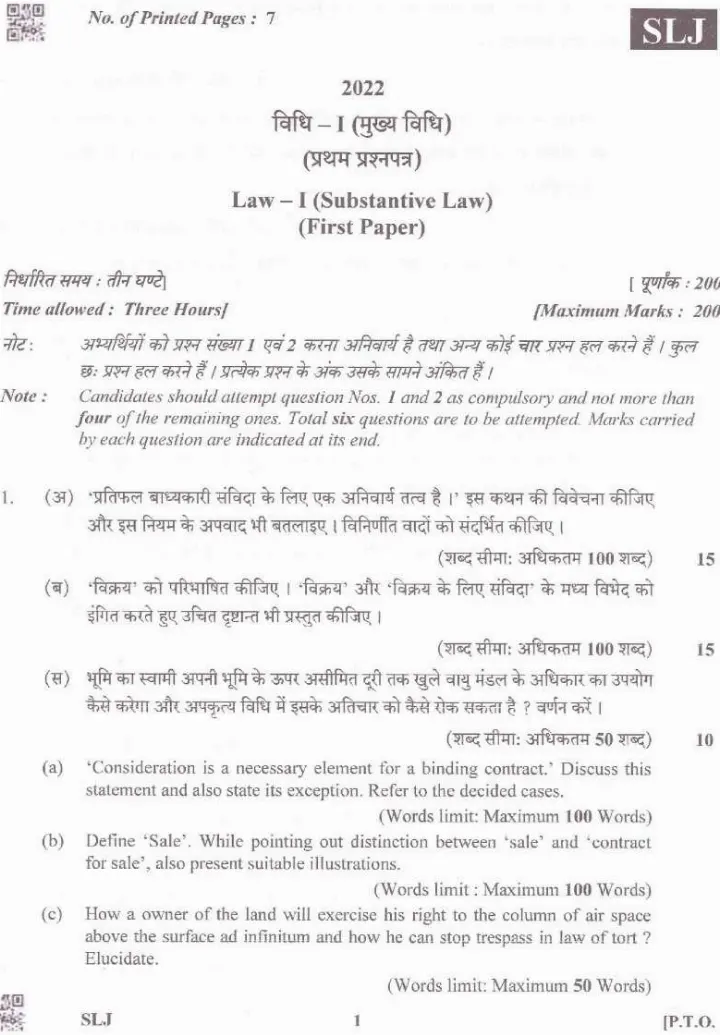
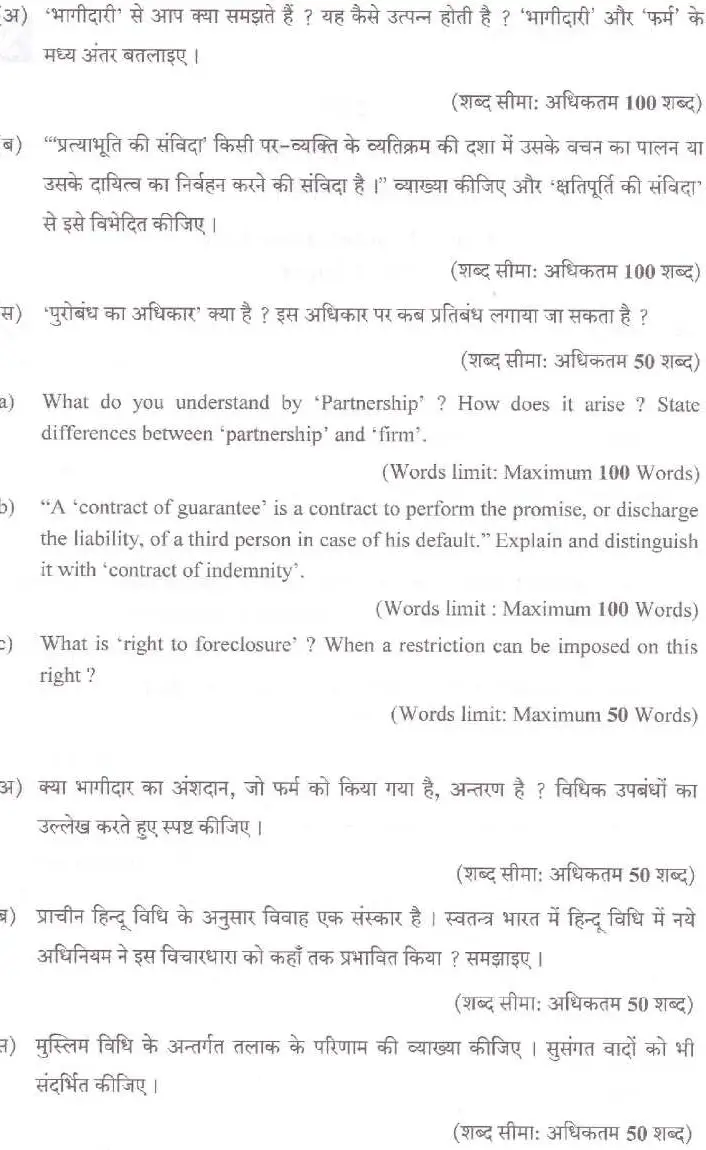
Scanned pages 1–2 for reference. Download the official PDF for the full paper.
Free question paper download
Download question paper PDF
Your download starts in 10s
Preparing your question paper file…
Frequently asked questions
What is the exam name and year?
Uttarakhand Judicial Service Civil Judge (JD) Mains Practical on Basic Knowledge of Computer Operation, 2021.
What is the total maximum marks?
100 marks.
What is the duration of the Practical Examination?
1 hour.
How many questions are in this paper?
Five questions (Q1 to Q5) are part of the practical paper.
In which software domains are tasks given?
Tasks cover MS Word, MS Excel, MS PowerPoint, MS Access, and general OS concepts (DOS, Windows) plus file management and basic settings.
What language is used in the paper?
English.